Best IPTV for Smarters Pro: What the App Needs from a Service
The app is only as good as the service behind it. This guide sets out what the best IPTV for Smarters Pro has to provide so that every part of the app works as intended, and how Best IPTV 8K measures up.
Why the service matters more than the app
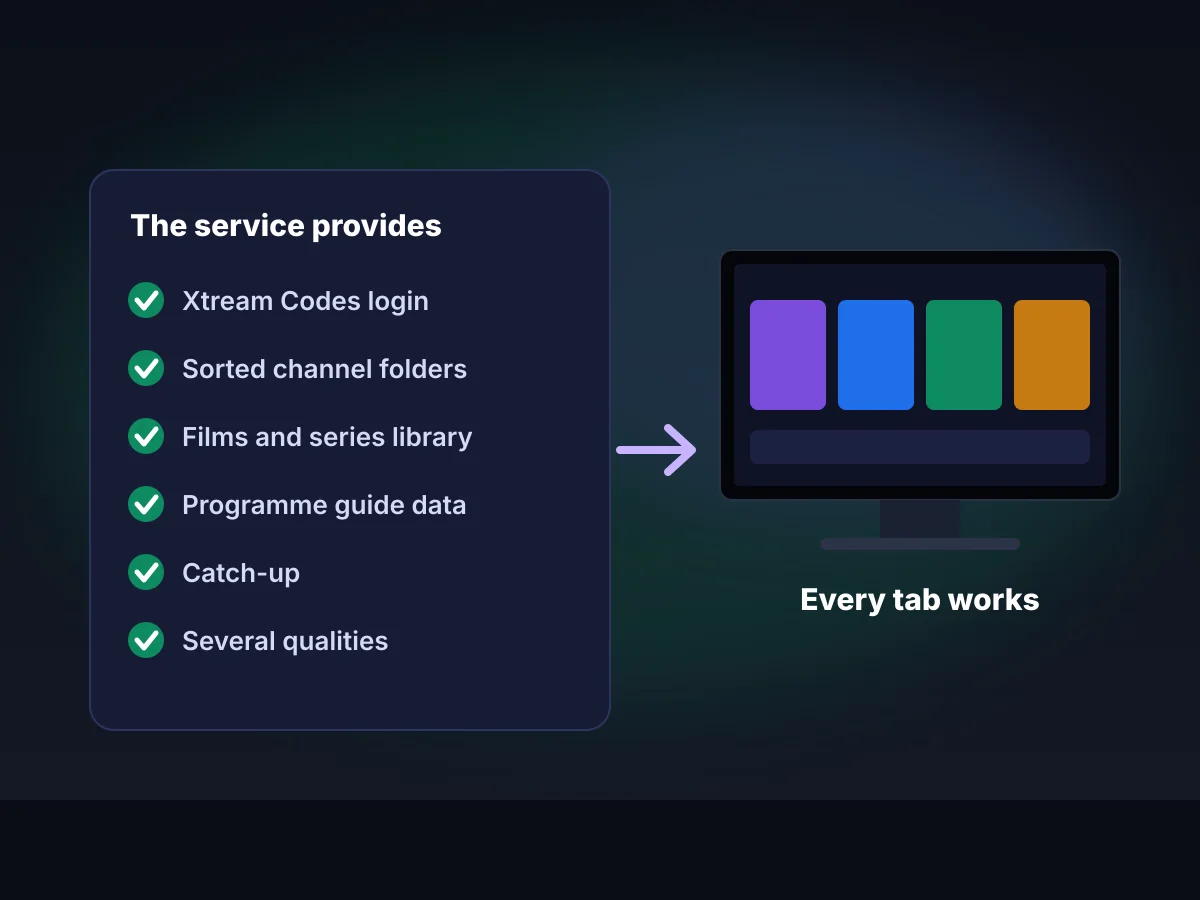
Smarters Pro has tabs for live television, films, series, catch-up and a programme guide. Each tab is filled by the service. If the service sends no guide data, the guide is blank. If its library is untidy, the Movies tab is a mess. If it offers a single stream quality, slower devices stutter. Choosing well means every tab works.
What to look for
| App feature | What the service must provide | Best IPTV 8K |
|---|---|---|
| Xtream Codes login | Username, password and server address | Yes, sent by email |
| Live TV folders | Channels sorted by country and category | Canada, Quebec, sports, kids, international and more |
| Movies and Series tabs | An on-demand library with categories | 150,000 titles, sorted by genre, year and language |
| Programme guide | EPG data for the channels | Included |
| Catch-up | Catch-up enabled on channels | On supported channels |
| Smooth playback | Several qualities per channel | Full HD, 4K and 8K where available |
Canadian content in the app
For viewers in this country, the best IPTV for Smarters Pro fills the Live TV tab with the right folders at the top: English Canada with its regional feeds, the French-language Quebec folder, and a sports folder with regional feeds and event channels. International folders follow for the many households that want channels from elsewhere.
A guide that tells the truth
A programme guide is only useful if it is complete and correctly timed. The service supplies the data; you align it to your time zone with the app's EPG time shift. Once set, the guide lets you browse by time across a whole folder, which is the quickest way to answer the question of what is on now.
Films and series, properly organised
The Movies and Series tabs depend on how the service labels its library. Good labelling means genres, years and languages you can browse, artwork and descriptions that load, and series grouped by season and episode. That is what turns a large library from a long list into something you can actually use on a remote control.
Qualities and devices
A Fire TV stick in a bedroom and a large 4K or 8K television in the living room do not need the same stream. A service that offers each major channel in several qualities lets Smarters Pro play smoothly on both. Guidance on resolution is in IPTV Smarters Pro 4K.
Stability at peak hours
Everything above assumes the streams stay up on a busy evening. Test any service on a Saturday night with a live game before you commit. If something pauses, first rule out your own network using best IPTV no buffering.
Honest terms
The best IPTV for Smarters Pro is also one you can deal with comfortably: prices in Canadian dollars, a plan that ends without renewing itself, a written refund policy and a support address. Best IPTV 8K offers a 7-day refund on every plan; see the Refund Policy.
How to check for yourself
Take the three-month plan. Sign in to the app and open each tab in turn. Is the Live TV tab organised? Does the guide fill? Do films have artwork? Does catch-up appear on some channels? Does a game play smoothly at eight on a Saturday? If the answers are yes, you have your service. Setup is covered in IPTV Smarters Pro Canada setup.
Signs that a service does not suit the app
Some problems show up within minutes of signing in. The Live TV tab is one long unsorted list. The Movies tab is empty, or full of titles without artwork. The guide shows no data on the main Canadian channels. Catch-up is absent everywhere. Only one quality is offered, so a stick in the bedroom stutters. None of these is the app's fault, and no setting will cure them. They are the difference between an ordinary service and the best IPTV for Smarters Pro.
Bilingual homes
Many households in this country watch in both official languages, and the app handles that neatly when the service cooperates. With an English Canada folder and a French-language folder both present, you can place channels from each in one favourites list. Add a sports network in each language and the evening's viewing is covered without leaving the list.
The account screen as a quick check
After signing in, open the account information in the app. A properly run service shows an active status, a clear expiry date and the number of connections your plan allows. It is a small sign that the provider's side is in order. An overview of the app itself is in IPTV Smarters Pro Canada.
Best IPTV for Smarters Pro: plans
Every plan provides the same login, channels, library and guide data to the app.
Best IPTV for Smarters Pro: common questions
What makes a service the best IPTV for Smarters Pro?
Xtream Codes login, well-sorted folders, guide data, an organised library, several stream qualities and stable streams.
Does Best IPTV 8K work with Smarters Pro?
Yes. Enter the three details from your activation email using the Xtream Codes API login.
Will the Series tab show seasons and episodes?
Series in the library are grouped by season and episode where that information is available.
Do I have to use Smarters Pro?
No. Other players that accept Xtream Codes or M3U details also work.
More Best IPTV 8K guides
IPTV Smarters guides
Best IPTV 8K by location
Try the best IPTV for Smarters Pro on your own device
Start with three months and open every tab.
See plans from $39 CAD