IPTV Smarters Subscription: What You Are Really Buying
Searching for an IPTV Smarters subscription usually means one of two things: the app's own premium version, or a television service to use inside the app. They are different purchases from different companies. This page separates them and explains which one you need.
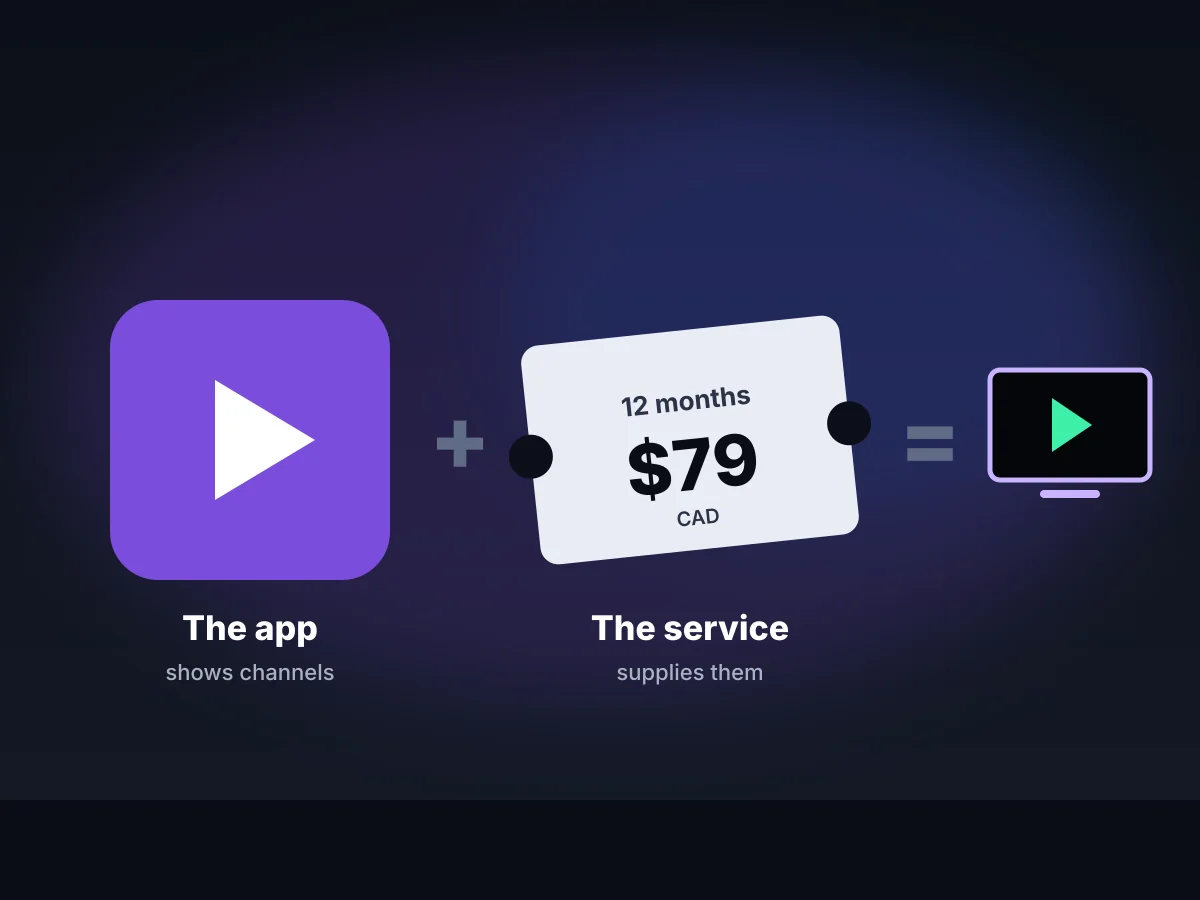
Two things with one name
The player app is published by an independent developer. It has a free version and a paid premium version that adds features to the app itself. Neither includes any channels. The television service is a separate product from a separate company. It provides the channels, the on-demand library and the login details you type into the app. When people say IPTV Smarters subscription, they nearly always mean the second.
Which one do you need?
| You want | What to get | From whom |
|---|---|---|
| Channels, films and series to watch | A service plan | A provider such as Best IPTV 8K |
| The player itself | The app, free version | Your device's app store or the developer |
| Extra app features | The app's premium version | The app's developer |
For most people the free app and a service plan are all that is required.
What a service plan gives the app
Once the three login details are entered, the app fills with content: 40,000 live channels in folders, 150,000 films and series, a programme guide and catch-up on supported channels. Without a plan, every screen in the app is empty.
The Best IPTV 8K plans
| Plan | Length | Screens | Price |
|---|---|---|---|
| Starter | 90 days | 1 | $39 CAD |
| Standard | 12 months | 1 | $79 CAD |
| Duo | 12 months | 2 | $119 CAD |
| Family | 12 months | 3 | $159 CAD |
All four work in the app in exactly the same way. They differ only in length and in how many devices can play at once.
Screens, devices and the app
You can install the app on as many devices as you like and sign in on each. The plan decides how many can play at the same moment. If a second device starts on a one-screen plan, one of the two will stop. The app's own multi-screen view, which shows several channels on one display, also uses one connection per channel shown, so it is best kept for multi-screen plans.
How the purchase works
- Choose a plan and pay once, in Canadian dollars.
- Receive an email with a username, a password and a server address.
- Open the app, choose the Xtream Codes API login and type the three details.
- Wait a moment while channels, films and series load.
The full walkthrough is in IPTV Smarters Pro Canada setup.
When the plan ends
Nothing renews automatically. When the period is over, the app will report that the account has expired and the lists will stop loading. Take a new plan and, if the login details are unchanged, the app carries on; if new details are issued, edit the saved user in the app.
Is the premium app worth it?
That is a matter of taste. The free version covers live television, films, series, the guide and favourites. If you like the app and want its additional features, the premium version supports the developer. It has no effect on the channels or picture quality your service provides.
Related guides
For what to look for in a service, read best IPTV for Smarters Pro. For an overview of the app, see IPTV Smarters Pro Canada. Plans are compared in detail in best IPTV subscription.
What to check before you pay
Before buying any service to use as your IPTV Smarters subscription, confirm four things. The price is written, in Canadian dollars. The plan states its length and the number of connections. You will receive Xtream Codes details, since that is the login the app handles best. And there is a refund policy you can read. If a seller cannot answer those plainly, look elsewhere.
Questions from the first week
New subscribers tend to ask the same things. Can I use it on my phone as well? Yes, with the same details, within your plan's screen limit. Why did my stream stop when my partner started watching? Because a one-screen plan plays on one device at a time. Do I need to keep the email? Yes; it holds the details you will need for every new device. Where do I see when the plan ends? On the account screen inside the app.
Paying once or paying monthly
Some people expect an IPTV Smarters subscription to be billed every month like a streaming app. Plans here are paid once for the whole period, which is why the twelve-month price works out so low per month and why there is nothing to cancel.
Choose the service behind your IPTV Smarters subscription
Four plans, one payment each, with a 7-day refund.
IPTV Smarters subscription: common questions
Does an IPTV Smarters subscription from Best IPTV 8K include the app?
The plan includes the service and its login details. The app is installed separately, from your device's store or the developer.
Do I need the premium version of the app?
No. The free version works with the service.
Can I use one plan in the app on several devices?
You can sign in on several. How many play at once depends on the plan.
What does "account expired" mean in the app?
Your service plan has reached its end date. A new plan restores access.
More Best IPTV 8K guides
IPTV Smarters guides
Best IPTV 8K by location
Get the service your IPTV Smarters subscription needs
Pick a plan and your login details arrive by email.
See plans from $39 CAD