Best IPTV No Buffering: How to Get Smooth Streams
A spinning circle in the last minute of a game is the fastest way to lose patience with streaming. This guide explains why buffering happens, what the best IPTV no buffering setup looks like, and how to fix the causes that sit inside your own home.
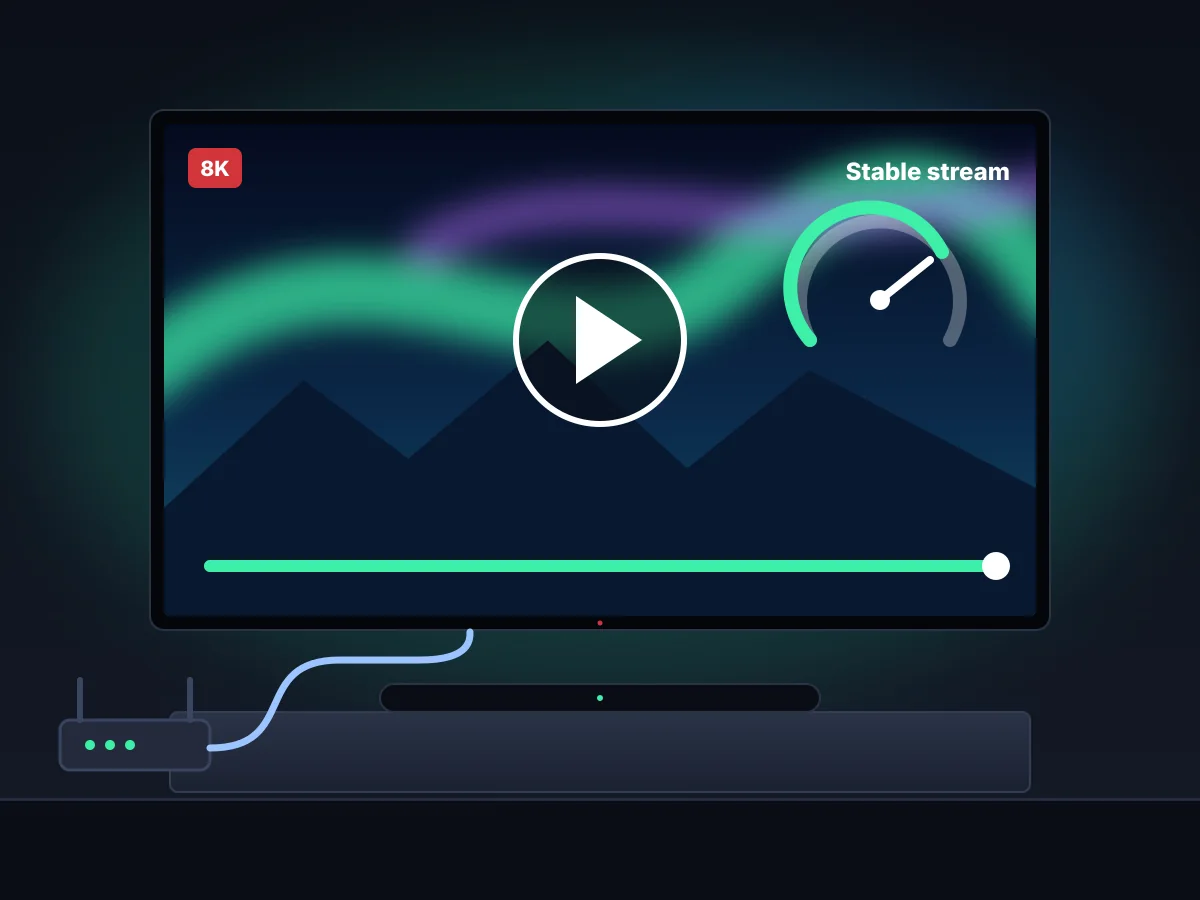
Why streams buffer
A stream is a steady flow of data. Your player keeps a few seconds in reserve; when data arrives more slowly than it is played, the reserve empties and the picture pauses. The slowdown can happen at four points: the provider's servers, the route across the internet, your home network or the device itself.
In practice the last two account for most cases. That is good news, because they are the two you control.
Start with a speed test at the television
Run a speed test on the television or streaming device, not on a phone beside the router. Compare the result with what the stream needs: about 15 Mbps for Full HD, 25 Mbps for 4K and considerably more for 8K. If the figure at the television is far below the speed you pay for, the home network is the bottleneck.
Fix the home network
The best IPTV no buffering fixes are usually the cheapest ones.
- Run a network cable to the television or streaming box. This alone resolves most complaints.
- If you must use Wi-Fi, choose the 5 GHz band and move the router into the open, away from walls and appliances.
- Add a mesh node near the television in a large home.
- Restart the router once in a while; many slow down after weeks without a reboot.
- Pause large downloads, cloud backups and game updates during live events.
Check the device and the app
Older streaming sticks and budget boxes struggle with high-resolution streams, especially at high frame rates. If Full HD plays perfectly but 4K stutters on a fast connection, the device is the limit. Close other apps, clear the player's cache, update it, and consider a newer device for the main television.
Televisions have their own quirks, which are covered in best IPTV for Smart TV.
Choose the right stream quality
Bigger is not always better. A 4K stream on a Full HD screen adds load without adding detail. Select the version that matches the panel, and step down one level during busy evenings if your connection is modest. A steady Full HD picture is far more enjoyable than a 4K one that stops. For the top resolution, see best IPTV 8K.
What the provider must do
Your side is half the picture. The best IPTV no buffering experience also needs a provider with enough server capacity for peak evenings and each channel available in several qualities. Best IPTV 8K is built for Canadian viewers and carries 8K, 4K and Full HD versions so that every connection has a stream it can sustain.
If one channel pauses while others play well, the fault is likely at the source; report it to support with the channel name and the time. If every channel pauses, look at the home network first.
A five-minute checklist before a big game
- Restart the router and the streaming device.
- Confirm the cable is connected, or that the television is on the 5 GHz band.
- Pause downloads on computers and consoles.
- Open the channel ten minutes early and check the picture.
- Keep a Full HD version of the channel in your favourites as a fallback.
Hockey fans will find more in IPTV Canada hockey channels.
Buffering, freezing and pixelation are not the same
It helps to name the symptom. Buffering is a pause with a loading circle while the player waits for data. Freezing with sound continuing usually points to the device struggling to decode the picture. Blocky pixelation that clears after a few seconds means the stream was briefly starved of data but recovered. A black screen on one channel while others play is a source problem. Each has a different fix, and describing the right one to support saves time.
Why Saturday night is different
Home internet is shared at two levels: inside your house, and across your neighbourhood. On a weekend evening both are at their busiest. Your neighbours are streaming, your household is streaming, and a major game adds a peak on top. A connection that copes easily at noon can be marginal at eight in the evening.
You cannot change the neighbourhood, but you can remove your own share of the congestion: a cable to the main television, lower quality on secondary screens and downloads paused. Homes with several screens will find a plan for that in IPTV Canada multiple devices, and the choice of plan is covered in best IPTV subscription.
Symptoms and likely causes
| What you see | Most likely cause | First thing to try |
|---|---|---|
| Loading circle on every channel | Home network or internet line | Speed test at the television, then a cable |
| Loading circle on one channel only | Source of that channel | Try another version; report it to support |
| Picture freezes, sound continues | Device cannot decode the stream | Lower the quality or update the app |
| Blocky picture that clears | Brief loss of data | Check Wi-Fi signal; pause downloads |
| Trouble only in the evening | Congestion at busy hours | Lower quality on secondary screens |
| Trouble only on one device | That device's Wi-Fi or performance | Move it closer to the router or restart it |
Bandwidth for the whole household
Speed requirements add up. A home with one Full HD stream needs about 15 Mbps for television. Add a 4K stream on the main set and the total reaches 40 Mbps. Add video calls, online games and phones updating themselves, and a 50 Mbps plan is fully occupied. When you size an internet plan, add up everything that runs at eight in the evening, then leave a margin on top. That margin is what separates the best IPTV no buffering experience from an evening of interruptions.
Wi-Fi bands in plain terms
Routers broadcast on two or three bands. The 2.4 GHz band reaches far but is slower and crowded with neighbours' networks and household gadgets. The 5 GHz band is much faster over a shorter distance and is the right choice for a television in the same or the next room. Newer routers add a 6 GHz band for devices that support it. If your television is connected to 2.4 GHz, switching it to 5 GHz is often a quick cure.
When to contact support, and what to say
If you have tested the speed at the television, tried a cable and lowered the quality, and one or more channels still pause, write to support. Give the channel name and quality, the time it happened, your device and player app, and your speed test result. With those five facts a problem can usually be identified much faster. For device-specific advice see best IPTV for Smart TV; if you are still choosing a service, best IPTV provider Canada explains how to test one.
Plans built for the best IPTV no buffering experience
Every plan includes all stream qualities, so you can always pick one your connection handles comfortably.
Best IPTV no buffering: common questions
Will a faster internet plan stop buffering?
Only if the plan is the bottleneck. If the speed at your television is already well above what the stream needs, a faster plan changes nothing and the cause is elsewhere, usually Wi-Fi.
Does a VPN help or hurt?
A VPN adds an extra step to the route and usually reduces speed. If you use one, choose a nearby server and test with and without it.
Can any service give a best IPTV no buffering guarantee?
No honest provider can promise zero pauses, because part of the path is your own network. What a provider can do is offer capacity, multiple qualities and support, and what you can do is follow the steps on this page.
Does the player app make a difference?
Yes. Some players handle network hiccups better than others, and many let you increase the buffer size in settings. If one app pauses often, try another with the same login.
Is the best IPTV no buffering setup expensive?
No. A network cable costs little, and the other steps on this page cost nothing.
More Best IPTV 8K guides
Try the best IPTV no buffering setup at home
Order a plan, plug in a cable and see the difference tonight.
See plans from $39 CAD