IPTV Canada Multiple Devices: One Plan for the Whole Home
A single television is rarely the whole story. This guide explains how IPTV Canada multiple devices plans work on Best IPTV 8K, the difference between installing on a device and streaming on it, and how to choose between one, two and three screens.
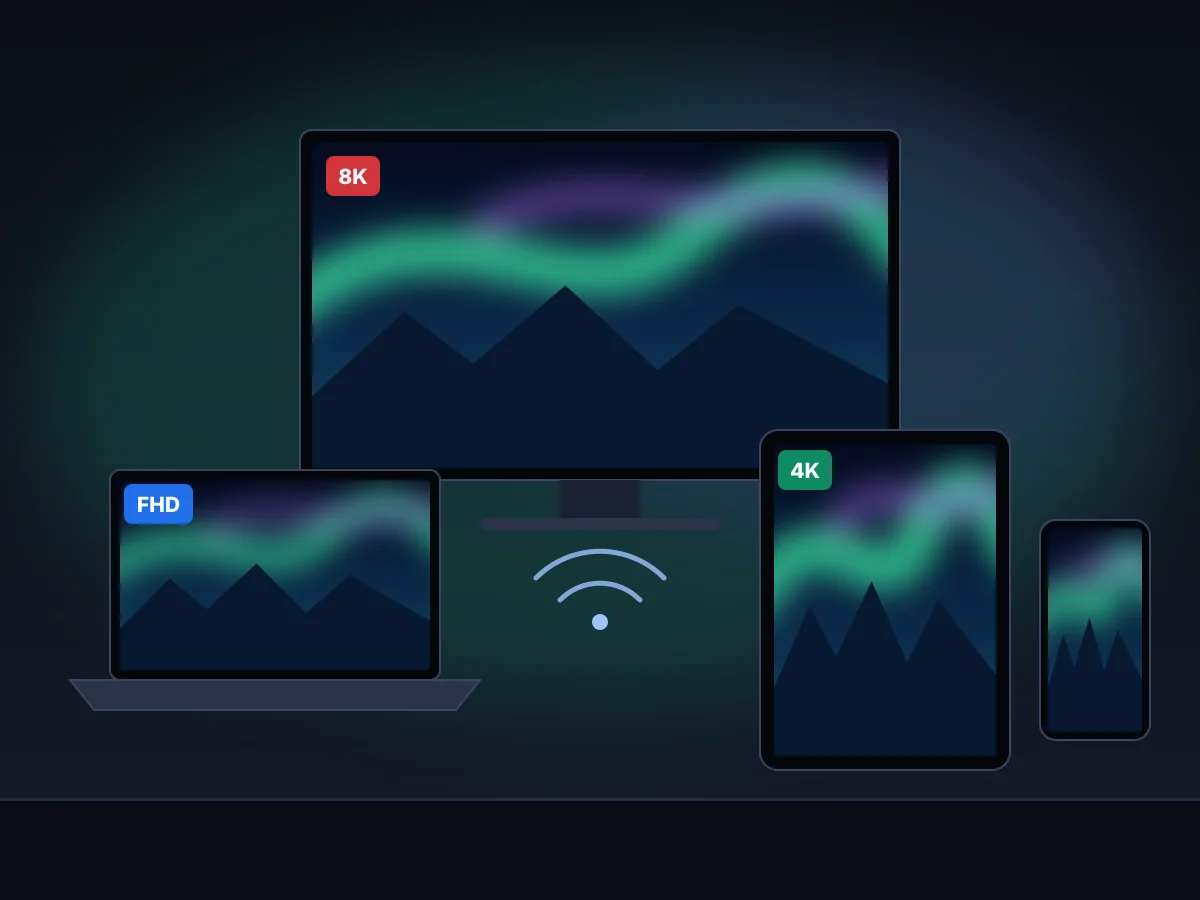
Installed devices and simultaneous screens are different things
This is the point that confuses most new subscribers. Your login can be entered on every device in the house: the living-room television, a bedroom set, two phones and a tablet. That is installation, and there is no limit on it.
The plan decides how many of those devices can play a stream at the same moment. On a single-screen plan, starting a channel in the bedroom while the living room is watching will interrupt one of them. On an IPTV Canada multiple devices plan, both carry on.
Which plan fits which household
- Starter and Standard, one screen: people living alone, couples who watch together, or a household with one main television.
- Duo, two screens: a living room plus a bedroom or home office, or two people with different tastes.
- Family, three screens: parents and children watching different things, or a home with a basement television and mobile devices in regular use.
If you are unsure, count the screens that are on at eight o'clock on a typical evening. That number is the plan you need. The best IPTV subscription page compares the cost per screen.
Setting up IPTV Canada multiple devices
Setup is the same on each device. Install a player app, choose the login option and enter the username, password and server address from your activation email. The guide and your on-demand library load automatically.
Favourites are stored by the app on each device in most players, so it is worth spending five minutes building a list on each screen. Children's tablets can be limited to the kids' folder with the app's PIN lock.
For television sets in particular, see best IPTV for Smart TV.
Will the home network cope?
Each active stream uses part of your internet connection. As a guide, allow about 15 Mbps for a Full HD stream and 25 Mbps or more for 4K. Three screens in Full HD therefore sit comfortably on a typical home connection; three screens in 4K need a faster plan.
Connect the main television by cable where possible and leave Wi-Fi for the phones and tablets. This simple split is the most effective way to keep an IPTV Canada multiple devices setup running smoothly.
Different rooms, different addresses
The screens on a plan do not all have to be in the same room, and one of them can be a phone you take with you. A student away at university or a parent travelling for work can use one of the household's screens.
Keep the login within your own household. A plan is sized for the number of simultaneous screens you paid for, and extra viewers will cut each other off.
Real households, real setups
A couple in a condo with one television rarely needs more than a single screen; a phone can take over when the television is free. A family of four in a house is a different picture: the living room is on a game, a teenager is watching a series upstairs and a younger child has cartoons on a tablet. That is three simultaneous streams and a clear case for the Family plan.
Shared houses and multi-generation homes sit in between. Two screens cover most evenings, and the occasional clash is solved by one person waiting, or by moving to a larger plan next time.
Mixing picture qualities across screens
There is no reason for every screen to use the same version of a channel. Give the main television the 4K or 8K stream and let the bedroom set and the mobile devices use Full HD. The total load on your connection falls sharply, and nobody notices the difference on a smaller screen. The best IPTV 8K guide explains which screens benefit from the larger streams.
Keeping children's screens tidy
Most player apps offer a parental PIN. Use it to hide adult categories and to lock the settings menu on any device a child uses. A short favourites list of approved channels, opened by default, keeps things simple for younger viewers and saves you from scrolling through thousands of entries to find one cartoon channel.
Troubleshooting IPTV Canada multiple devices
If a stream stops when another starts, you have reached the plan's screen limit; check whether a forgotten device is still playing in another room. If all screens stutter together in the evening, the home connection is saturated: lower the quality on the secondary screens first. And if only one device has trouble, the fault is local to it, usually Wi-Fi signal, and the steps in best IPTV no buffering apply.
IPTV Canada multiple devices plans compared
| Plan | Screens at once | Length | Price | Suits |
|---|---|---|---|---|
| Starter | 1 | 90 days | $39 CAD | Trying the service |
| Standard | 1 | 12 months | $79 CAD | One main television |
| Duo | 2 | 12 months | $119 CAD | Two rooms in use |
| Family | 3 | 12 months | $159 CAD | Several viewers at once |
Which device for which room
The living room deserves the best screen and the best connection: a Smart TV or a current streaming box on a network cable. Bedrooms do well with a smaller television and a streaming stick on Wi-Fi. Kitchens and home offices are natural places for a tablet on a stand. Phones cover everything else, from the balcony to the bus. Because your login is the same everywhere, the only decision is which screens are likely to be on together.
A weekend example
Saturday evening in a house with a Family plan might look like this: a hockey game in 4K on the main television, a film from the on-demand library in a bedroom, and cartoons on a tablet. All three play at once. If a fourth person opens the app on a phone, one of the others stops, which is the plan working as described rather than a fault.
Good manners on a shared plan
Shared screens work best with a little agreement. Close the app when you finish rather than leaving a channel running, because an idle stream still occupies a screen. Give the main television priority for live events. And if clashes are frequent, that is a sign the household has outgrown its plan; the cost of moving up is shown above and discussed in best IPTV subscription. For big sports nights, see IPTV Canada hockey channels.
IPTV Canada multiple devices plans and prices
The first two plans cover one screen. Duo and Family are the IPTV Canada multiple devices options, for two and three screens at once.
IPTV Canada multiple devices: common questions
Can I add a screen later?
You can take a larger plan when the current one ends, or add a second single-screen plan if you need another screen sooner.
Do all screens have to use the same app?
No. A Smart TV can use one player and a phone another. They only share the login details.
What happens if a fourth device starts playing on a three-screen plan?
One of the active streams will stop. Nothing is charged and nothing breaks; close a stream on one device and the others continue.
Does watching on-demand count as a screen?
Yes. A film or series from the library uses one of your simultaneous screens, exactly like a live channel.
Can two screens watch the same channel?
Yes. On an IPTV Canada multiple devices plan each active stream counts as one screen, whether the screens show the same channel or different ones.
More Best IPTV 8K guides
Start your IPTV Canada multiple devices plan
Choose two or three screens and everyone watches what they want tonight.
See plans from $39 CAD