IPTV Quebec 4K: Sharper Hockey, Films and News
Most televisions sold in Quebec in recent years are 4K sets, yet much of what cable delivers to them is still HD. This guide explains what IPTV Quebec 4K viewing requires, what looks best in 4K and how to make sure you are really seeing it.
What 4K means
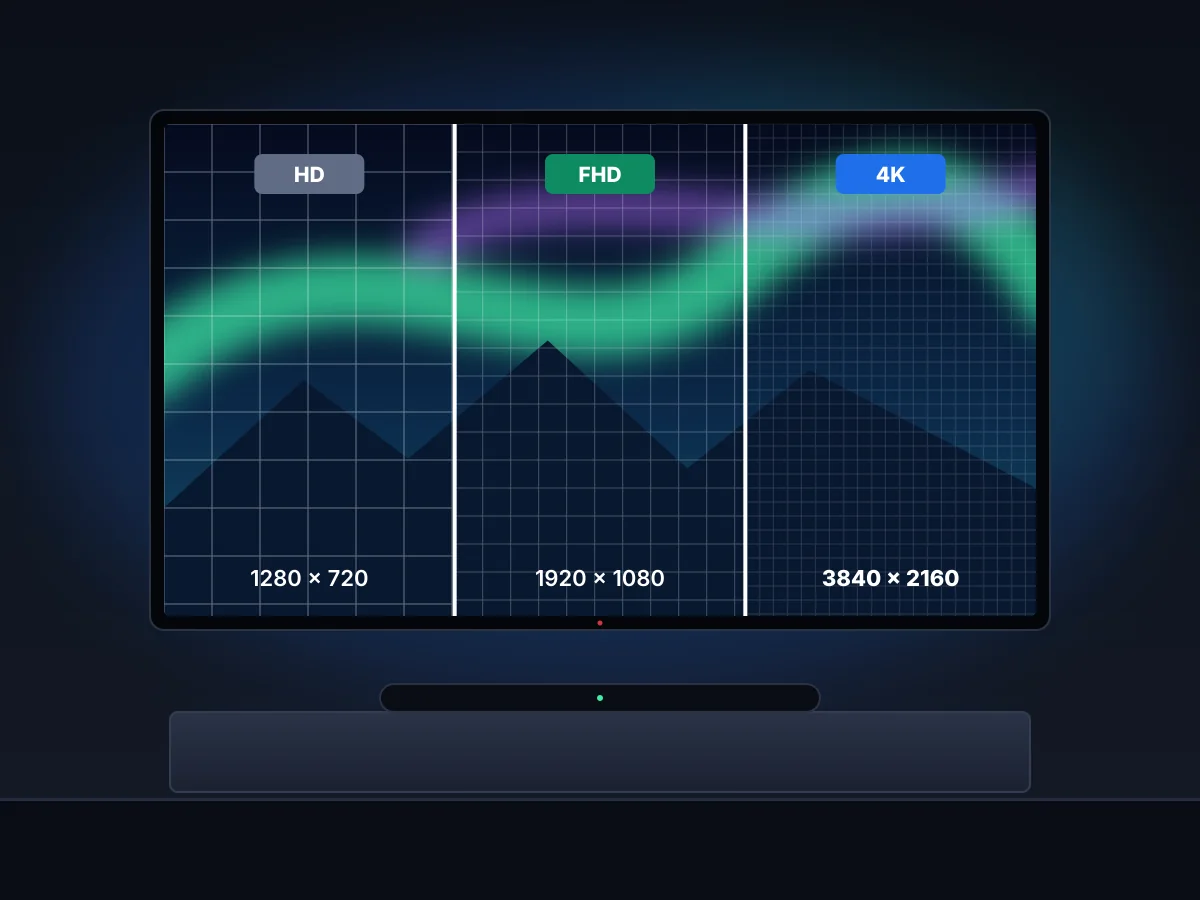
A 4K picture is 3,840 by 2,160 pixels, four times the detail of Full HD. On a 55-inch screen or larger, viewed from a sofa, the difference is plain: sharper edges, legible on-screen text and more depth in wide shots.
What you need
- A 4K television. Check the label or the settings menu for 4K or UHD.
- A device and player app that can decode 4K. The built-in apps of recent Smart TVs and current streaming sticks marked 4K qualify.
- An internet connection that delivers about 25 Mbps to the television, steadily.
- For external boxes, a High Speed HDMI cable in an HDMI port that supports 4K.
Internet in Quebec and 4K
Fibre and cable connections in Montreal, Quebec City, Gatineau, Sherbrooke and most towns exceed what 4K needs by a wide margin. The usual weak point is inside the home: Wi-Fi through thick walls, or a television at the far end of a long apartment. A network cable from the router solves it. In rural areas on fixed wireless or satellite, 4K is often possible in the daytime and less reliable at peak hours, when Full HD is the wiser choice.
Speeds at a glance
| Quality | Pixels | Speed to allow per stream |
|---|---|---|
| HD | 1280 × 720 | About 8 Mbps |
| Full HD | 1920 × 1080 | About 15 Mbps |
| 4K | 3840 × 2160 | About 25 Mbps |
| 8K | 7680 × 4320 | A fast fibre or cable line |
What looks best in 4K
Hockey gains the most. The puck is easier to follow, numbers and names are readable in wide shots, and the ice no longer blurs during fast pans. Football and soccer benefit in the same way. Nature and travel documentaries, concerts and recent films are the other clear winners. News and studio programmes look much the same in Full HD.
Choosing 4K channels in the guide
Channels offered in several qualities appear once per version, with a label. For IPTV Quebec 4K viewing, add the 4K version of your main channels to favourites and keep the Full HD version beside it as a fallback. The structure of the guide is described in IPTV Quebec channels.
How to confirm you are watching 4K
Press the information button on the television's remote while a 4K channel is playing. It should report 3840 x 2160. If it shows 1920 x 1080, the device or app has chosen a lower quality, usually because of the connection.
When to step down
If a 4K stream pauses, do not persevere. A steady Full HD picture is better than a 4K one that stops, especially during a game. Step down, finish the game, and look at the network afterwards with the help of best IPTV no buffering.
Beyond 4K
Owners of 8K televisions can go further on selected channels; see best IPTV 8K. For setting up the television itself, see IPTV Quebec Smart TV, and for sticks, IPTV Quebec Firestick.
Resolution is not the whole picture
Two other things shape what you see. High dynamic range, or HDR, widens the range between dark and bright and gives colours more depth. Frame rate decides how smooth movement looks; sport is far better at a high frame rate than at a low one. A Full HD stream at a high frame rate can look better for hockey than a 4K stream at a low one, so judge with your eyes as well as the label.
Which rooms deserve 4K
The main television in the living room is the obvious place. A bedroom set of 32 or 40 inches gains little, and a kitchen tablet gains nothing. Using 4K only where it shows keeps the load on your connection down and leaves room for other screens, which matters on a two- or three-screen plan.
Sound for the big screen
A large 4K picture deserves better sound than thin television speakers can give. A soundbar connected by HDMI makes commentary clearer and arena noise fuller, and it is a modest purchase next to the television itself. To see what the plans cost, go to IPTV Quebec subscription.
IPTV Quebec 4K is included on every plan
No premium tier. The four plans differ only in length and number of screens.
IPTV Quebec 4K: common questions
Do I pay extra for IPTV Quebec 4K?
No. 4K streams are part of every plan.
Is every channel in 4K?
No. It depends on the source. Many channels are Full HD or HD, and the guide labels each one.
Will 4K work on Wi-Fi?
Often, on the 5 GHz band near the router. A cable is more reliable.
Does 4K use more data?
Yes, considerably more than Full HD. Keep that in mind if your internet plan has a cap.
More Best IPTV 8K guides
IPTV Quebec guides
Best IPTV 8K by location
Watch IPTV Quebec 4K on your own television
Choose a plan and compare 4K with Full HD tonight.
See plans from $39 CAD