Best IPTV for Smart TV: Samsung, LG, Android TV and More
A Smart TV is the simplest way to watch streaming television: no extra box, one remote. This guide covers what makes the best IPTV for Smart TV use, how setup differs between Samsung, LG and Android-based sets, and what to do with an older model.
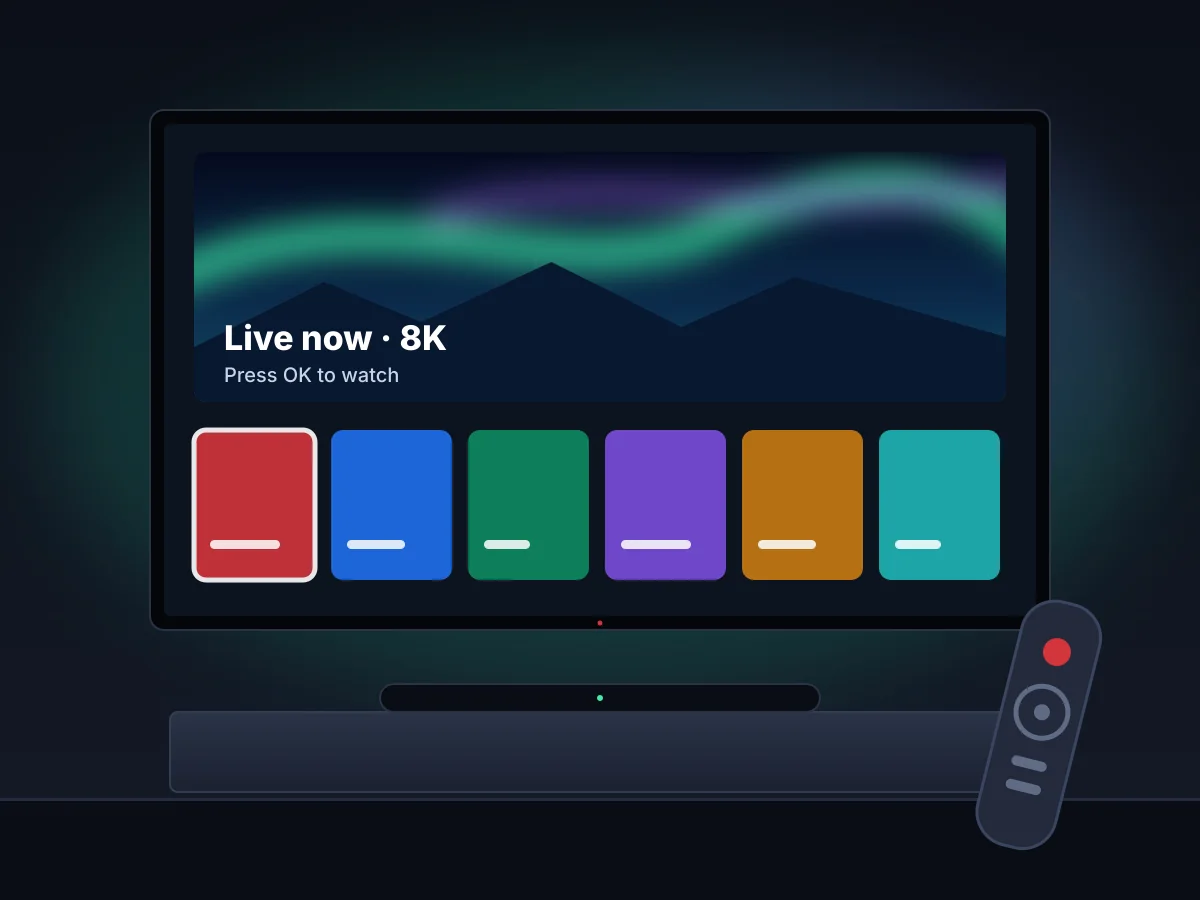
What a Smart TV needs
Before looking for the best IPTV for Smart TV viewing, check the set itself. Three things decide whether a television is a good IPTV screen: an app store with a compatible player, enough processing power to decode high-resolution streams, and a solid network connection. Recent sets generally have all three.
Look for the network socket on the back. Most Smart TVs have one, and using it instead of Wi-Fi is the easiest improvement you can make.
Samsung and LG
Samsung televisions run Tizen and LG televisions run webOS. Both have their own app stores, and each offers several IPTV players. Search the store for an IPTV player, install one, and enter the details from your activation email. Some players identify the television by a code and ask you to add your playlist on their website; your activation email explains both methods.
Remote controls on these sets handle channel zapping, the programme guide and favourites without a keyboard.
Android TV and Google TV
Sony, TCL, Philips, Hisense and several other brands use Android TV or Google TV on many models. These sets have the widest choice of player apps, installed from the Play Store. Log in with the Xtream Codes API option, using your username, password and server address.
Because the same apps run on Android boxes and phones, the experience is consistent across your devices, which helps on an IPTV Canada multiple devices plan.
Older televisions
A television without an app store, or with a slow one, is not a reason to buy a new set. A streaming stick or box in an HDMI port gives it a modern app store and a faster processor. For 4K, choose a stick that supports 4K; for 8K, use the television's own apps or a current high-end box.
Getting the best picture
- Use the network cable, or the 5 GHz Wi-Fi band if you cannot.
- Select the stream quality that matches the panel: 8K, 4K or Full HD.
- Switch on the television's film or cinema picture mode for movies, and standard mode for sport.
- Keep the television's software and the player app up to date.
For the highest resolutions, read best IPTV 8K. If streams pause, see best IPTV no buffering.
Why Best IPTV 8K suits a Smart TV
The best IPTV for Smart TV owners is a service that offers each channel in several qualities, so the television can show what it is capable of. Best IPTV 8K labels 8K, 4K and Full HD versions in the guide, includes a full programme guide that works with the remote, and supports the common player apps on every major television platform.
Brand notes at a glance
- Samsung (Tizen): install a player from the Samsung app store; the 8K ranges are the ones to look at for 8K streams.
- LG (webOS): install a player from the LG Content Store; the pointer remote makes long channel lists quick to scroll.
- Sony, TCL, Philips and Hisense models with Google TV or Android TV: the largest choice of players, installed from the Play Store.
- Other platforms: if your television's store has no compatible player, add a streaming stick and use that instead.
Wi-Fi or cable on a Smart TV
The Wi-Fi radio inside a television is often weaker than the one in a phone, and the set is usually pressed against a wall, which does not help. If your router is in another room, the difference between Wi-Fi and a cable can be the difference between an occasional pause and none. Where running a cable is not practical, a mesh node placed near the television and linked to it with a short cable is a good compromise.
Picture settings worth changing
Televisions often leave the factory in a bright showroom mode. For films and series, switch to the cinema or filmmaker preset, which gives more natural colour. For live sport, the standard preset with motion smoothing set low is a good starting point. Turn off energy-saving dimming if the picture looks dull in the evening. These settings apply to every source, so your streaming picture benefits immediately.
When the television's own app store falls short
Some older Smart TVs no longer receive app updates, and a player that worked last year may disappear from the store. That is the moment to add a streaming stick rather than replace the set. The stick brings a current app store, faster menus and, on recent models, 4K support. Your login is the same, so moving takes minutes. If you are comparing services as well as devices, see best IPTV provider Canada, and for choosing a plan see best IPTV subscription.
Smart TV platforms compared
| Platform | Found on | Where to get a player | Login method |
|---|---|---|---|
| Tizen | Samsung | Samsung app store | Playlist details or device code |
| webOS | LG | LG Content Store | Playlist details or device code |
| Google TV / Android TV | Sony, TCL, Philips, Hisense and others | Play Store | Xtream Codes API or M3U |
| Fire TV | Televisions and sticks with Fire TV built in | Amazon app store | Xtream Codes API or M3U |
| Older or unsupported sets | Any brand | Add a streaming stick | As for the stick |
Using the remote well
A player app on a television is driven entirely by the remote, so a few shortcuts are worth learning. The up and down keys usually change channel within the current folder. The OK button often opens the channel list over the picture. Back returns to the folder list. Many players let you jump straight to a channel by typing its number. Ten minutes with these makes the best IPTV for Smart TV setup feel as quick as any cable box.
Audio, subtitles and accessibility
Some channels carry more than one audio track and optional subtitles. Look for the audio and subtitle options in the player's on-screen menu while a channel is playing. Televisions also have their own accessibility settings, such as larger menus and voice guidance, which apply to player apps as they do to everything else.
When to choose a streaming box over the built-in app
The built-in app is the tidy choice, but a box has advantages in three cases: the television is slow to open apps, the app store lacks a player you like, or you want the same interface in several rooms. A box also moves with you when you replace the television. Whichever you choose, the connection advice in best IPTV no buffering applies, and newcomers should start with how to get IPTV in Canada.
Plans: the best IPTV for Smart TV at one price
Any plan works on a Smart TV. Choose Duo or Family if more than one television will be on at once.
Best IPTV for Smart TV: common questions
Which player app should I install?
Any well-reviewed IPTV player in your television's app store that accepts Xtream Codes or M3U playlists will work. Your activation email suggests options for each platform.
Do I need a separate box for 4K?
Not if your Smart TV is a 4K model with a compatible player. A box is only needed for older or slower sets.
Is the best IPTV for Smart TV different from IPTV on a phone?
The service and login are the same. The television simply uses the higher-quality streams and a remote-friendly interface.
My Smart TV is several years old. Will it work?
Possibly, if its app store still offers a compatible player. If not, a streaming stick solves it for a small cost and usually gives a faster interface as well.
Is the best IPTV for Smart TV setup wired or wireless?
Wired, where you can. A network cable to the television gives the most stable picture, particularly for 4K and 8K.
More Best IPTV 8K guides
Set up the best IPTV for Smart TV tonight
Order a plan, install a player from your TV's app store and sign in.
See plans from $39 CAD